lihi UTM Manager vs. Excel: Why Manual Tracking is Hurting Your ROI
Stop Using Excel for UTMs: Why It’s Killing Your Marketing ROI
You are running a high-stakes marketing campaign. You’ve got your creative ready, your budget allocated, and your team is hyped. But there is a silent killer lurking in your workflow: your UTM spreadsheet.
If you are still copy-pasting links into Excel to generate tracking tags, you aren’t just being “old school.” You are actively hurting your ROI. In this guide, we’ll break down why manual tracking is failing you and why lihi is the professional-grade solution your brand deserves.
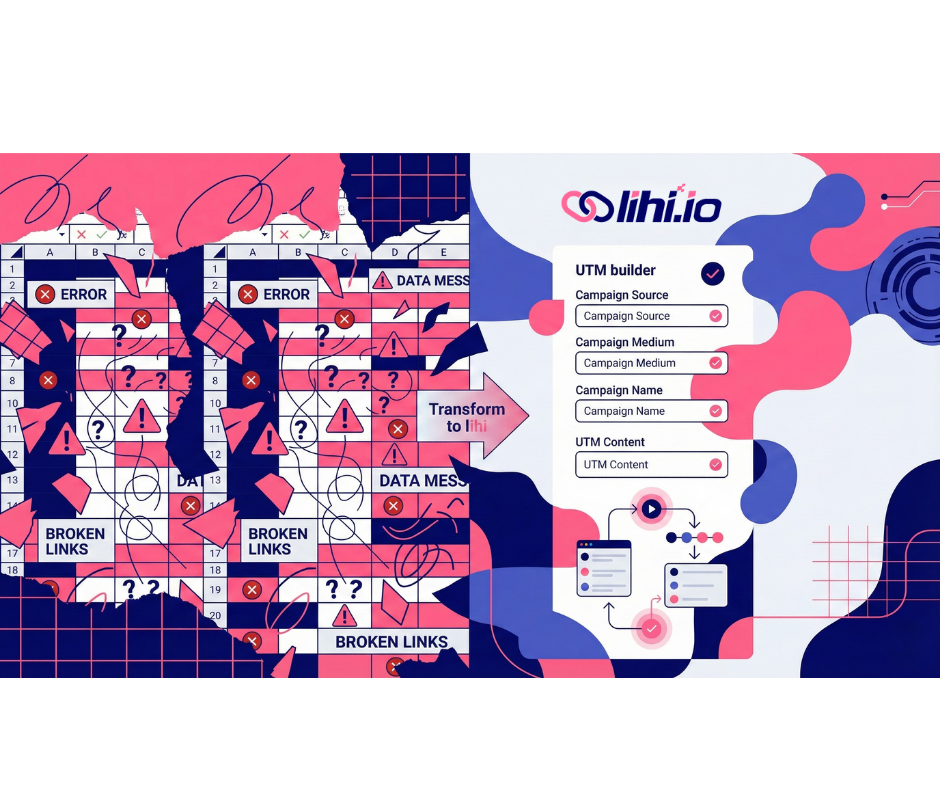
Why is your UTM spreadsheet failing?
Spreadsheets are great for accounting, but they are terrible for dynamic campaign tracking.
Are human errors skewing your data?
Marketing attribution only works if your data is 100% consistent. In an Excel sheet, “Meta”, “meta”, and “meta_ads” are three different things. One single typo from a tired team member will fragment your data in Google Analytics, making it impossible to see which channel actually converted.
How much does “Free” actually cost you?
Excel is “free,” but your team’s time is expensive. Manually constructing URLs, shortening them in a separate tool, and then documenting them back in a sheet takes minutes per link. Multiply that by hundreds of links per month, and you are losing thousands of dollars in productivity.
Why lihi is the Ultimate UTM Manager
While many tools stop at building, lihi was built to manage. It transforms a messy manual process into a streamlined, automated engine for growth.
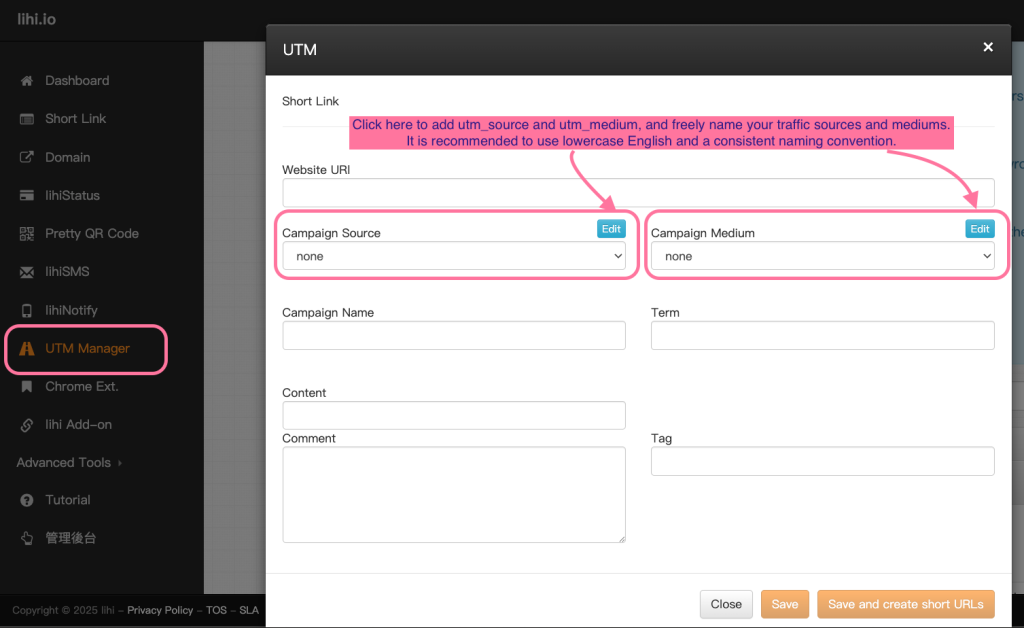
Brand Your Links
Every UTM you manage can be attached to your own custom domain. This isn’t just about aesthetics; it’s about performance. Branded short links build trust, and data shows they can increase click-through rates (CTR) by up to 34% compared to generic, messy URLs.
[Internal Link: Guide to Setting Up Custom Domains]
Professional Group Management
Stop hunting for “UTM_Tracking_Final_v3.xlsx” in your shared drive. lihi allows you to organize your links by “Black Friday 2026” or “Summer Sale” using intuitive folders and tags. You get a centralized command center where you can search, filter, and audit your campaign history in seconds.
Integrated A/B Testing
This is where lihi leaves Excel in the dust. You can manage multiple destinations under a single UTM link to see which landing page performs best. Instead of creating five different links for five different pages, use one lihi link to distribute traffic and identify your winner. [Internal Link: Master A/B Testing with lihi]
Stop the leak and start scaling
If you want to scale your marketing, you need infrastructure, not just a spreadsheet. lihi removes the friction from your campaign setup, so you can focus on what matters: strategy and growth.
- Stop the manual entries: Import your current tracking logic into lihi.
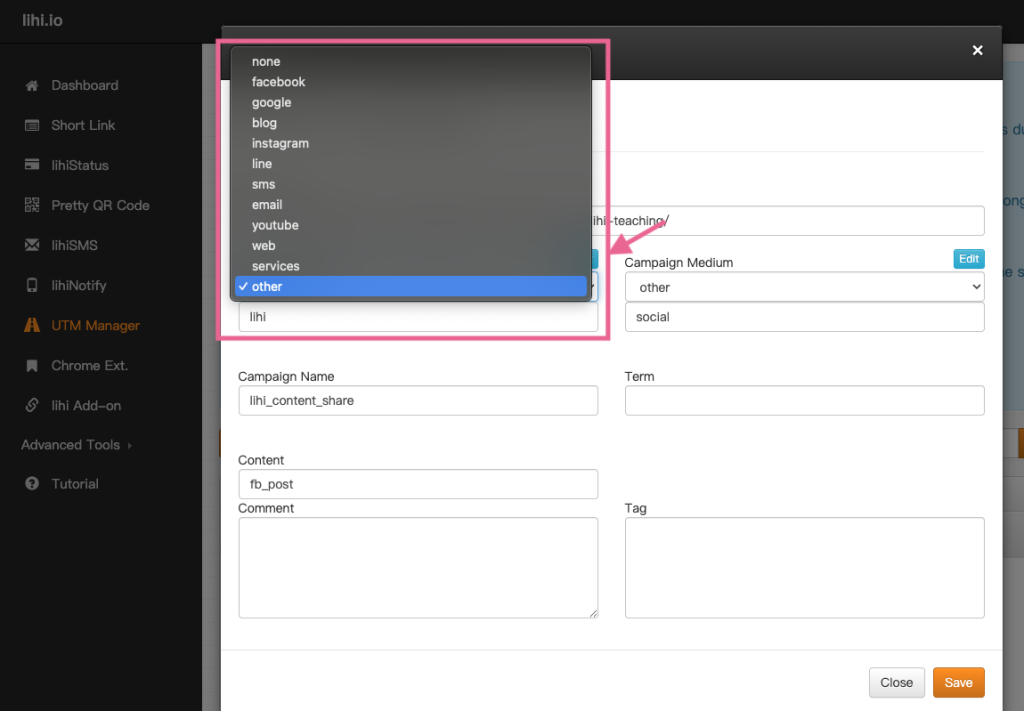
- Set your standards: Create your team’s UTM presets to ensure 100% data cleanliness.
- Track with confidence: Watch your GA4 data become more actionable than ever before.
Start using lihi for free
Join thousands of marketers and optimize your links today.