How to Create a Short Link
Follow these simple steps to generate your first short URL:
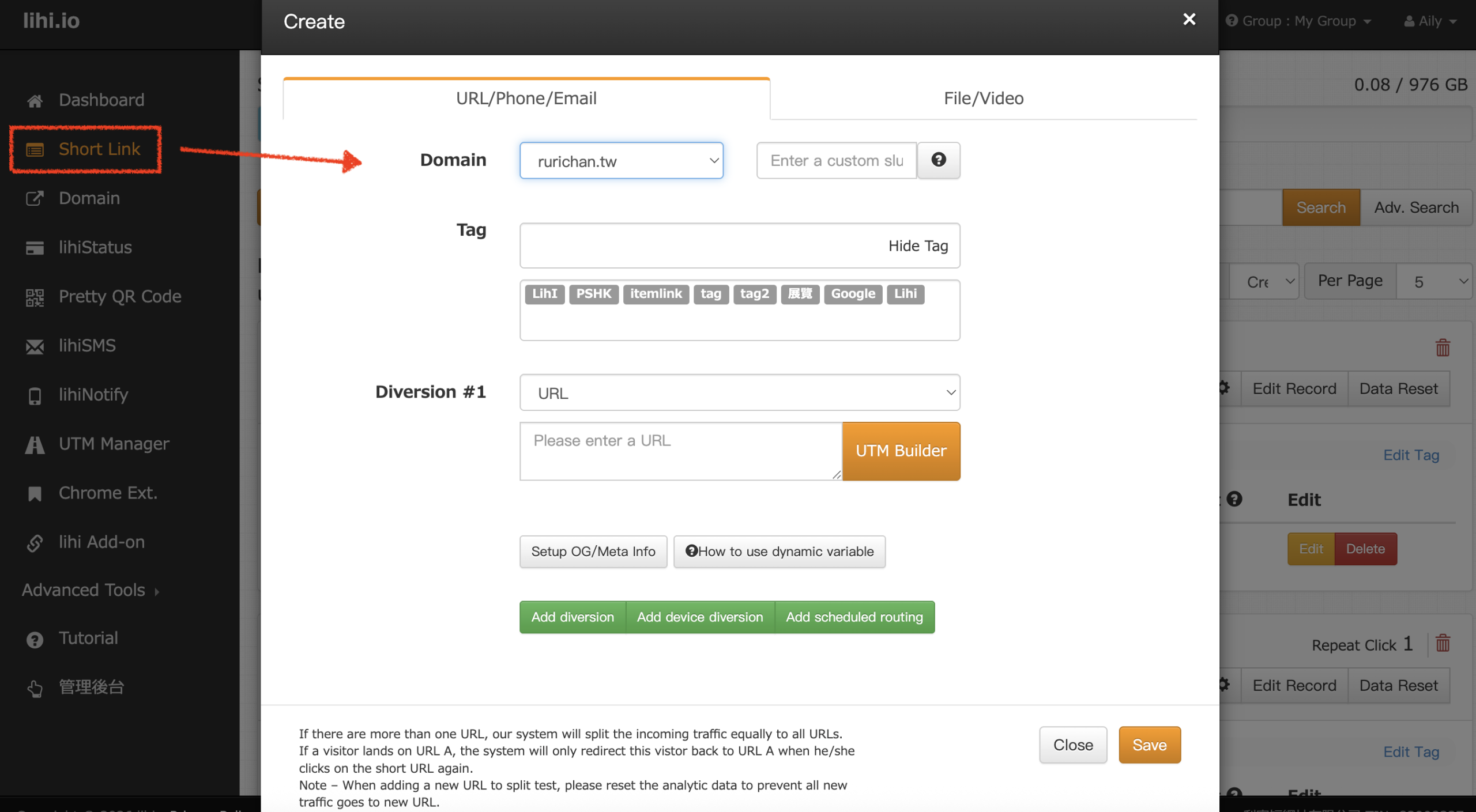
- Enter Details: Click Short Link in the left menu, then click Create. Fill in the required fields in order: Domain, Tag, and Diversion. Once done, click Save.
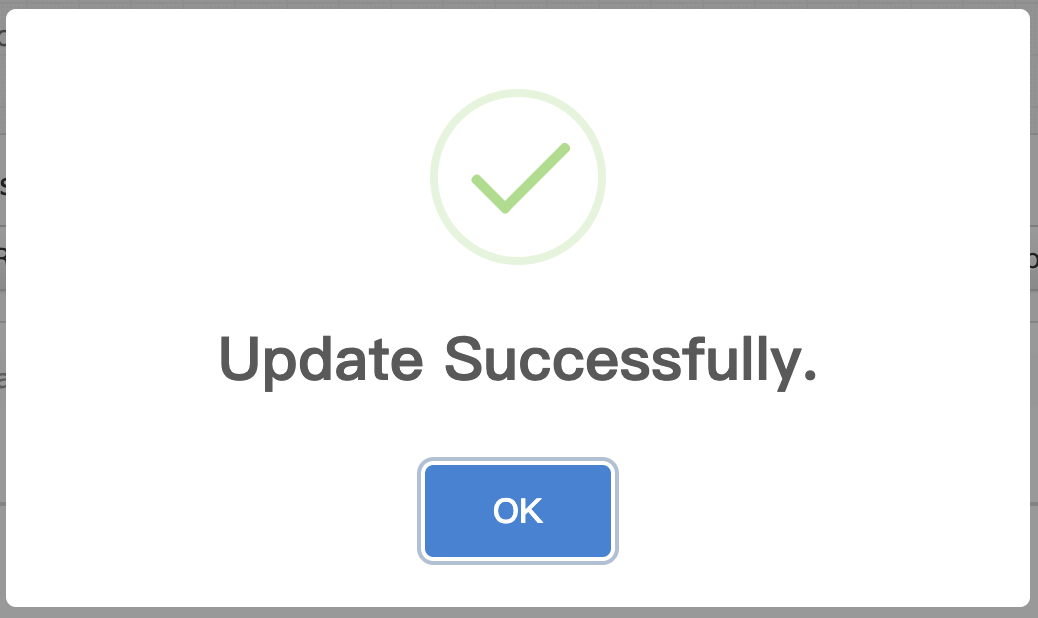
- Confirm Creation: A pop-up window (“Update Successfully”) will appear. Click OK to close it and return to the main dashboard.
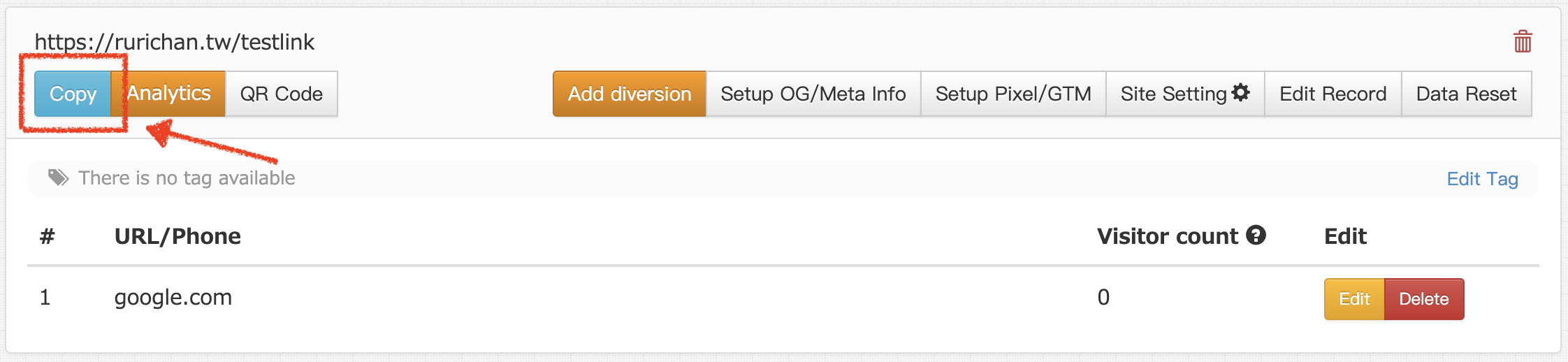
- Copy and Share: Your newly created short link will now appear on the dashboard list. Simply click the Copy button to start using it immediately.
Start using lihi for free ⇒ Click Here!
Start using lihi for free
Join thousands of marketers and optimize your links today.

No credit card required. Setup in 60 seconds.