Create QR codes from URLs with lihi
On lihi, you can generate QR codes with two different features: “Short Link” and “QR Codes Generator”. You can access both options from the left sidebar.
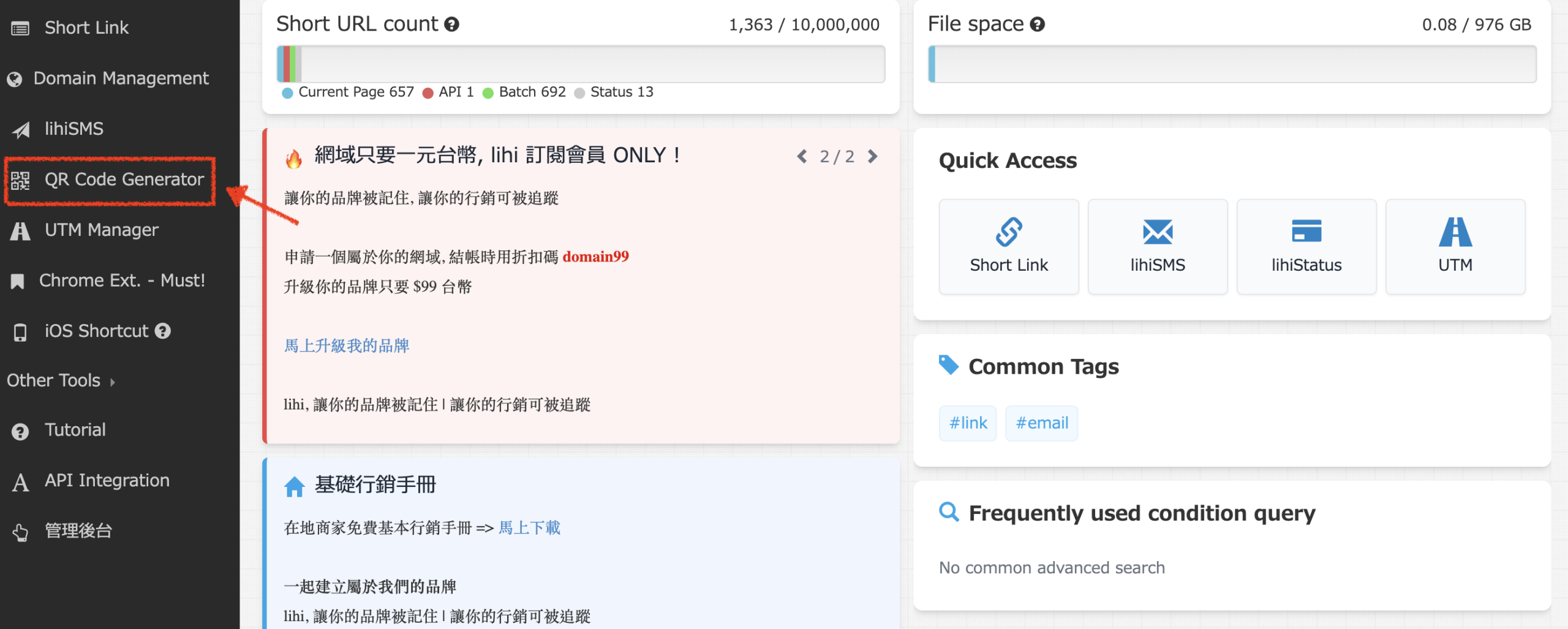
Via “Short Link” (Standard)
Best for: Tracking data, sharing files, phone numbers, or standard URLs.
Step1. Click “Create” in the dashboard.

Step2. Enter your content:
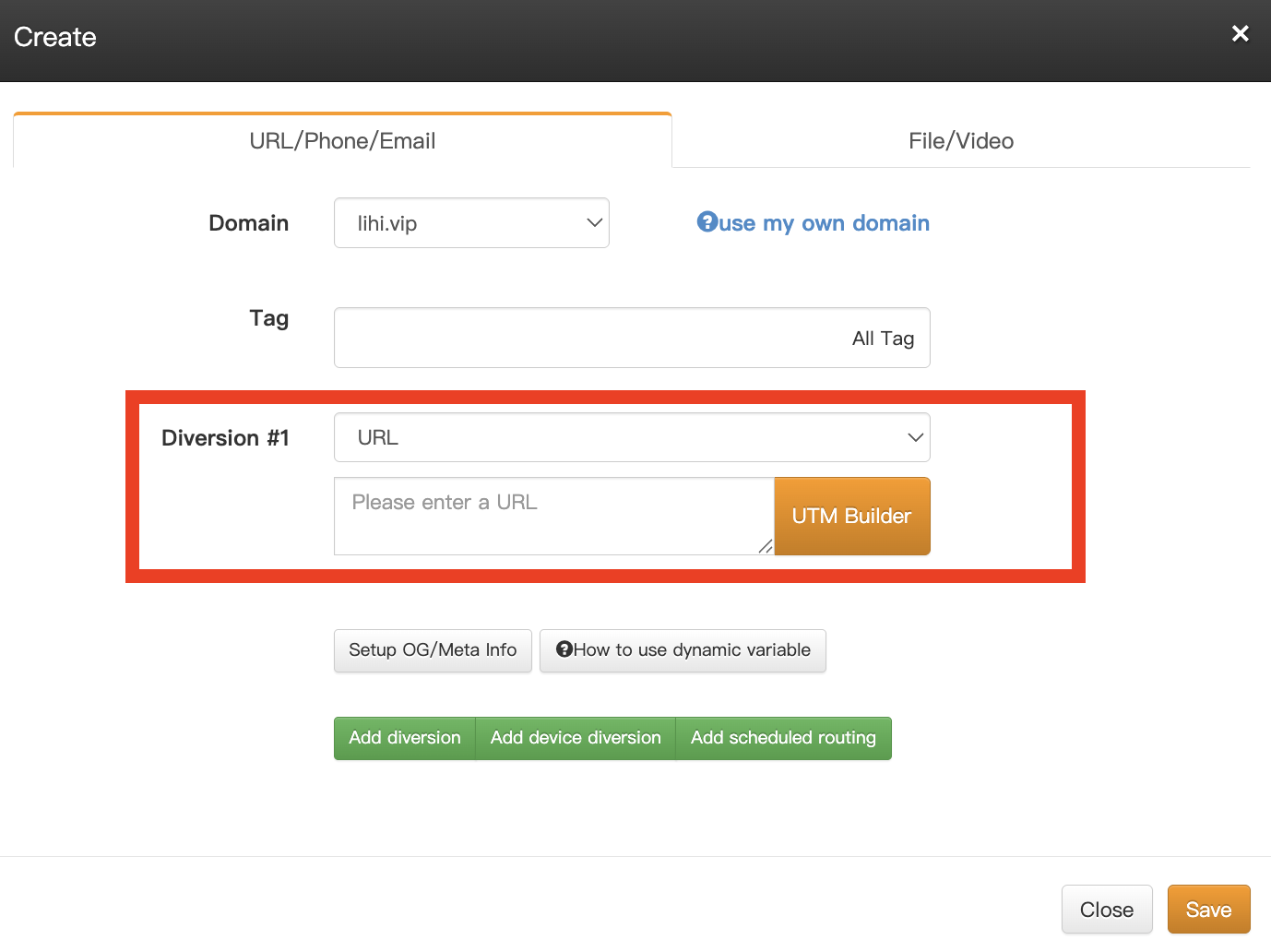
- Paste the URL you want to generate.
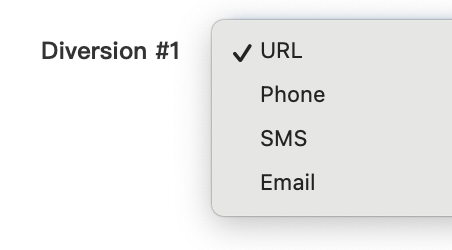
- You can also choose other types such as Phone, SMS, or Email.
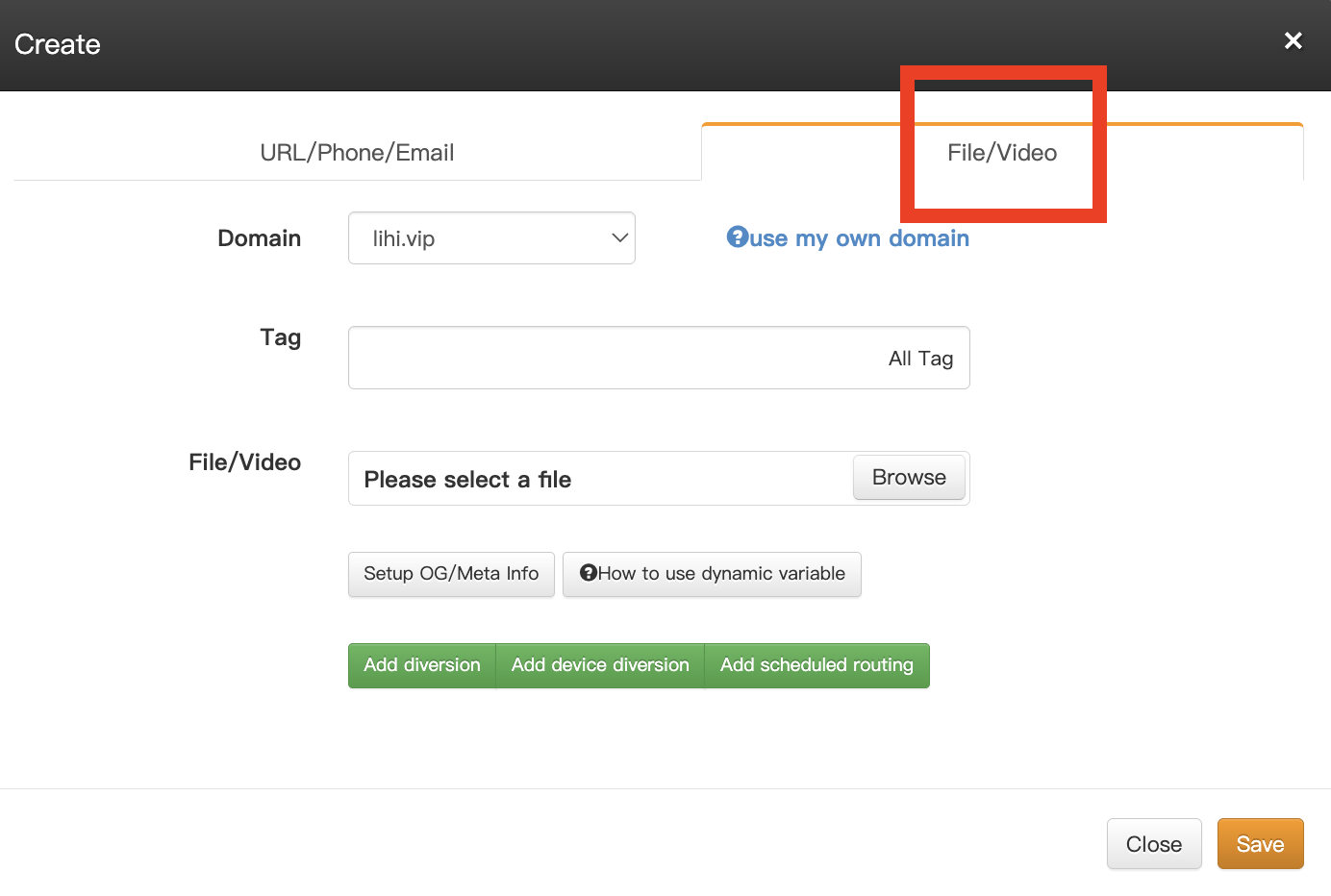
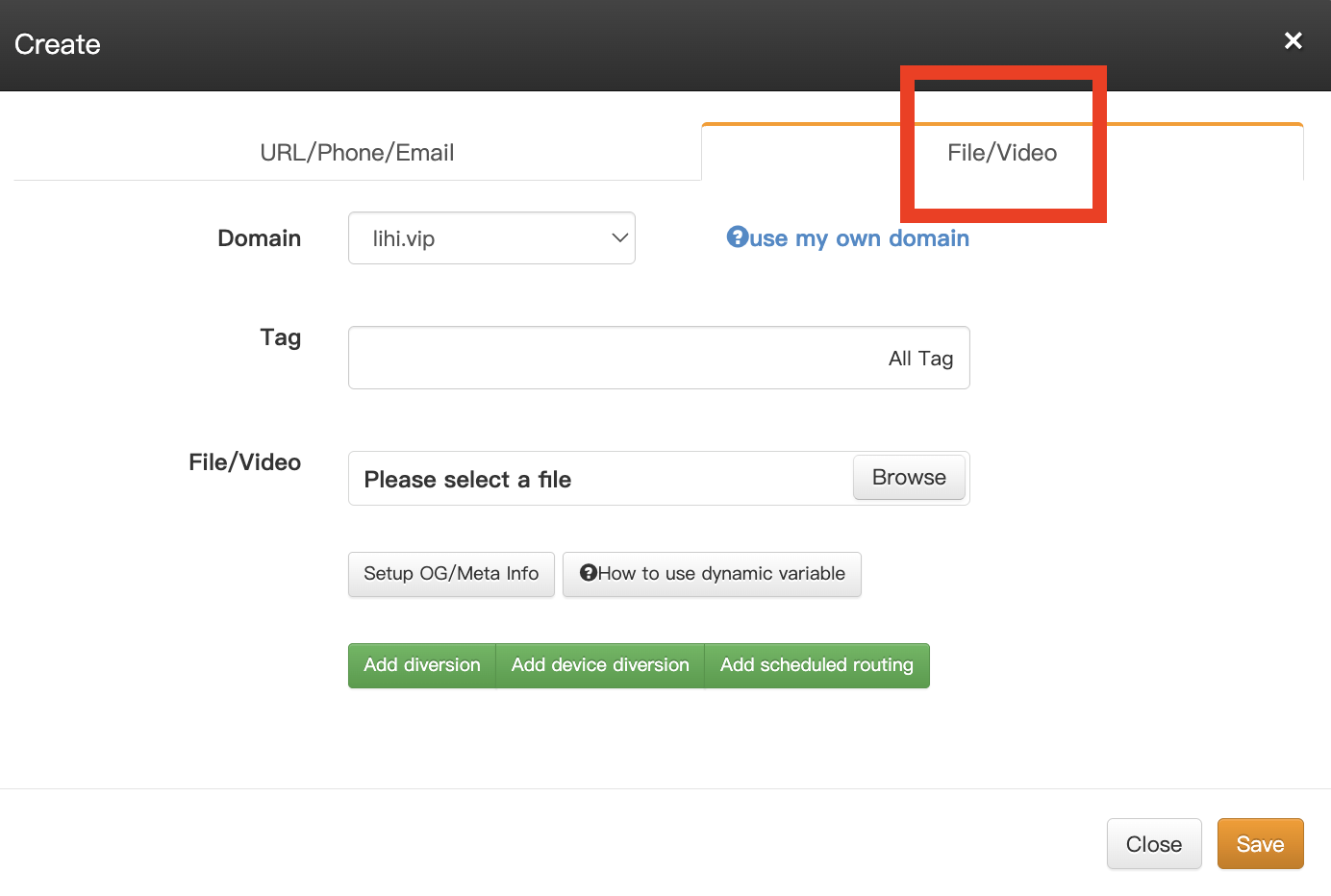
For Files/Videos: If you want to share a document or video, switch to the “Media/File” tab at the top right and upload your file.
Step 3. Click Save to generate the short link. Once created, locate the link in your list and click the QR code button next to it.
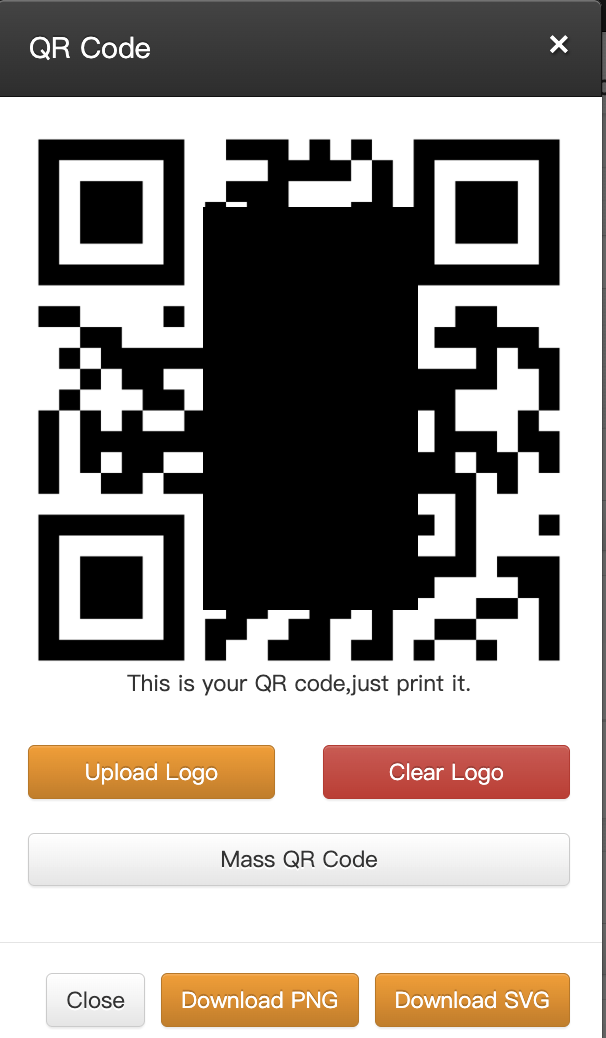
Your unique QR Code is now generated. You can also upload a logo in this step to increase brand recognition.
2: Via “QR Codes Generator” (Visual Design)
Best for: Marketing materials requiring a visually appealing, branded look.
- Select “QR Codes Generator” from the left sidebar.
Note: This interface currently supports Website URLs only. - The key feature here is the ability to upload a background image, allowing you to create a beautiful, high-contrast QR Code that matches your brand aesthetics better than a standard black-and-white code.
Learn More
- [QR Code | How to create a QR Code with one click on lihi?]
- [What are the benefits of using lihi QR Codes?]
Need more help?
If you have any questions about using the lihi QR Code Generator, or if you have complex data tracking requirements and aren’t sure how to set them up, please contact the lihi Meta Page. Our specialists are ready to assist you.
Start using lihi for free ⇒ [Click Here!]
Start using lihi for free
Join thousands of marketers and optimize your links today.