How to Set Data Password Feature Spotlight: Secure Data Sharing via Analytics Password
Feature Spotlight: Secure Data Sharing via Analytics Password
Unlike many URL shorteners (such as Bitly or Google) where appending .info publicly reveals click statistics, lihi keeps your traffic data private and secure.
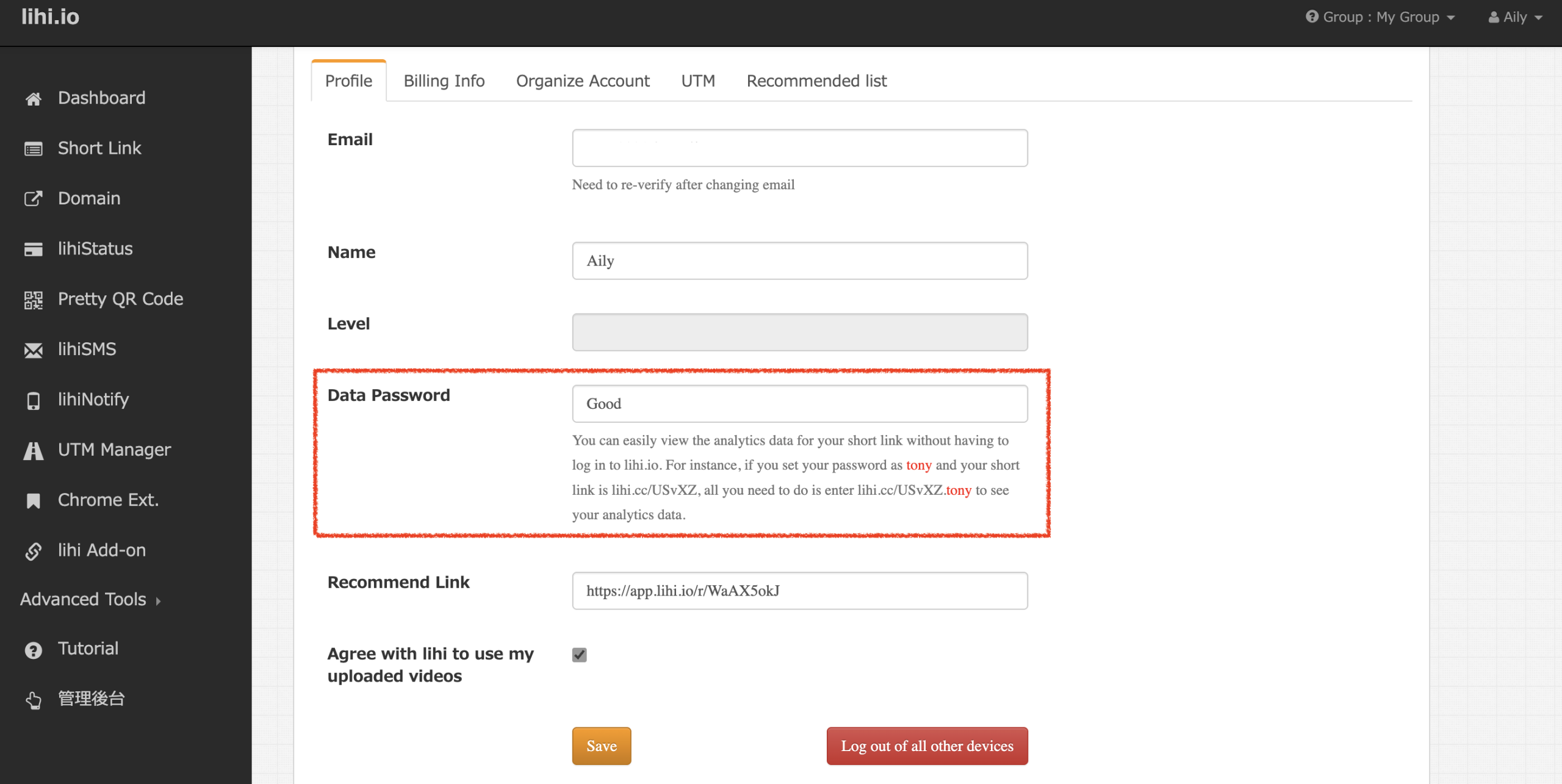
However, for convenient access and collaboration, lihi offers the “Analytics Password” feature. By configuring a custom password in your dashboard, you can enable password-protected access to your data.
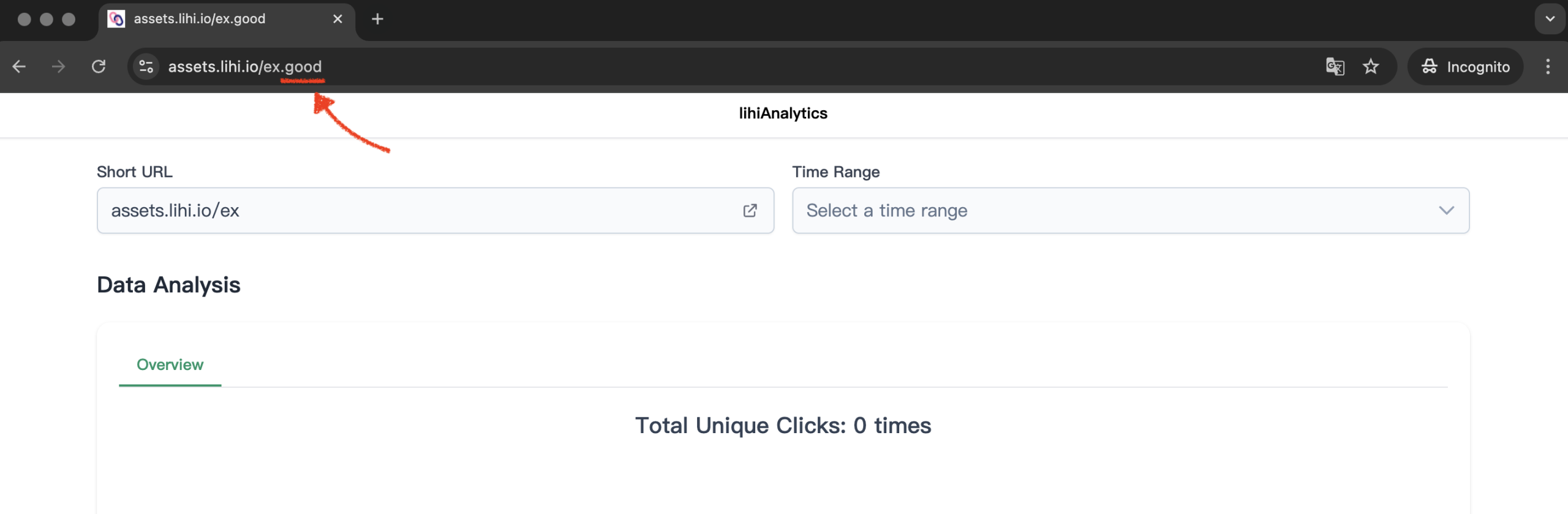
How it works: Simply append your custom password to the end of your short URL to view analytics immediately, without needing to log in. This is perfect for sharing performance data with clients or team members securely.
Example:
- Custom Password:
love - Access Link:
https://lihi.cc/riIqf.love(Simply add.loveto the end of the URL)
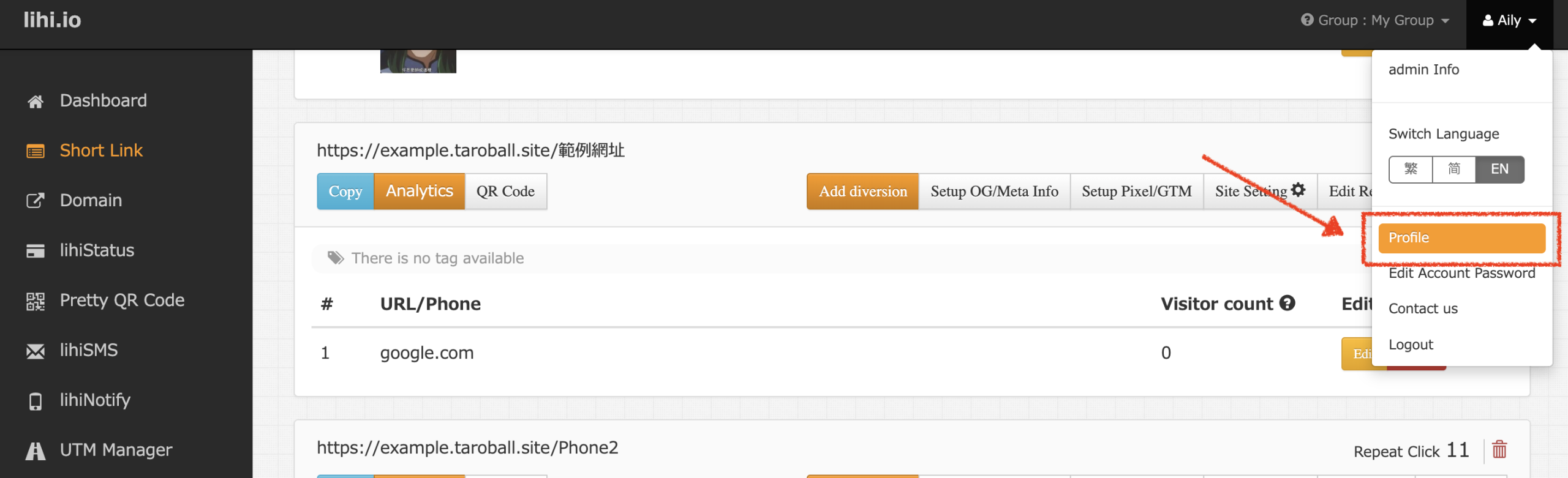
For step-by-step instructions, please visit our guide: How to configure your data Password.
Get started with lihi for free ⇒ Click Here